
Speaker Tech Requirements: A Guide for Event Planners
Avoid technical glitches that derail your event. Discover the essential speaker tech requirements every event planner must manage for a seamless experience.
Introduction
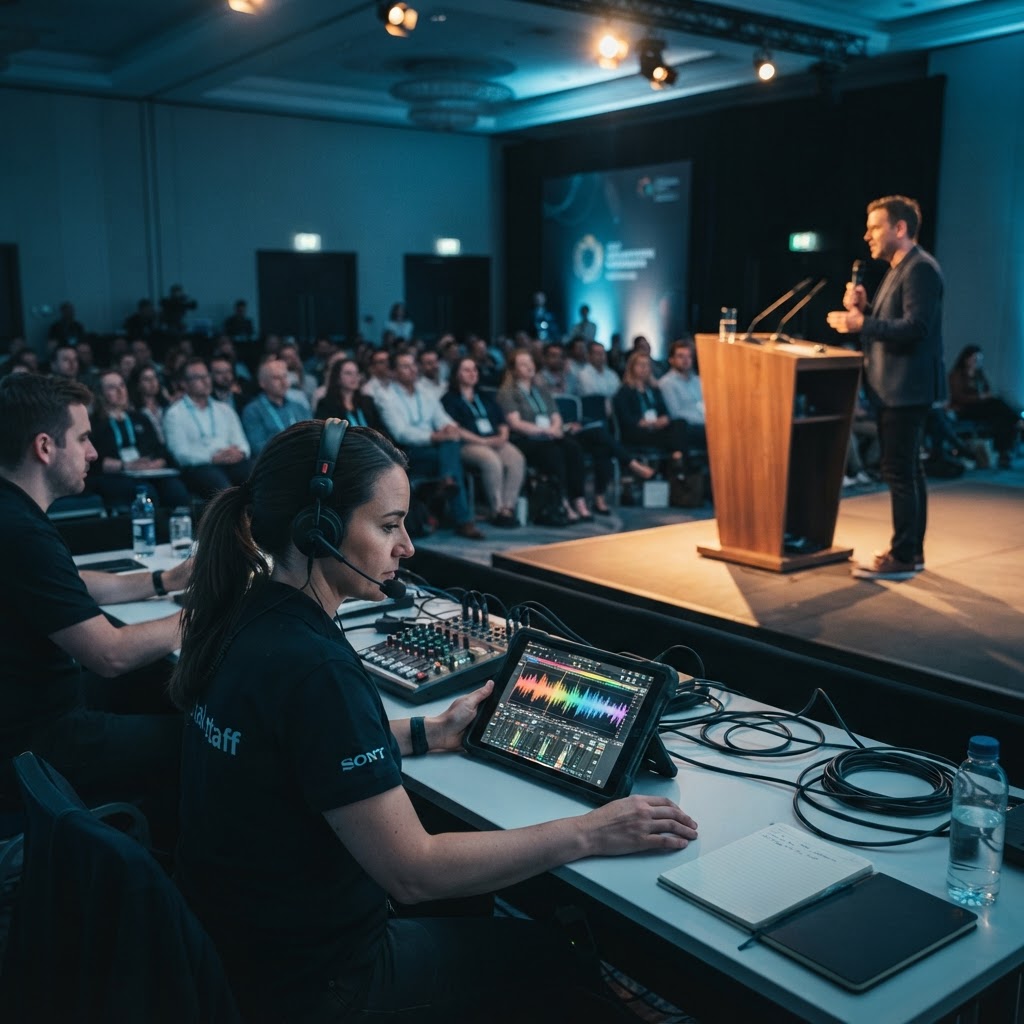
When you book a high-caliber professional speaker, you are paying for their expertise and delivery, but their impact depends heavily on your technical execution. A common pitfall for event planners is assuming 'plug-and-play' simplicity when, in reality, modern presentations require specific configurations. The foundation of a successful event starts with clear communication regarding audiovisual expectations long before the stage lights go up. Failing to confirm these details early is the fastest way to invite frustration, wasted time, and potential stage disasters.
The Essential Tech Checklist
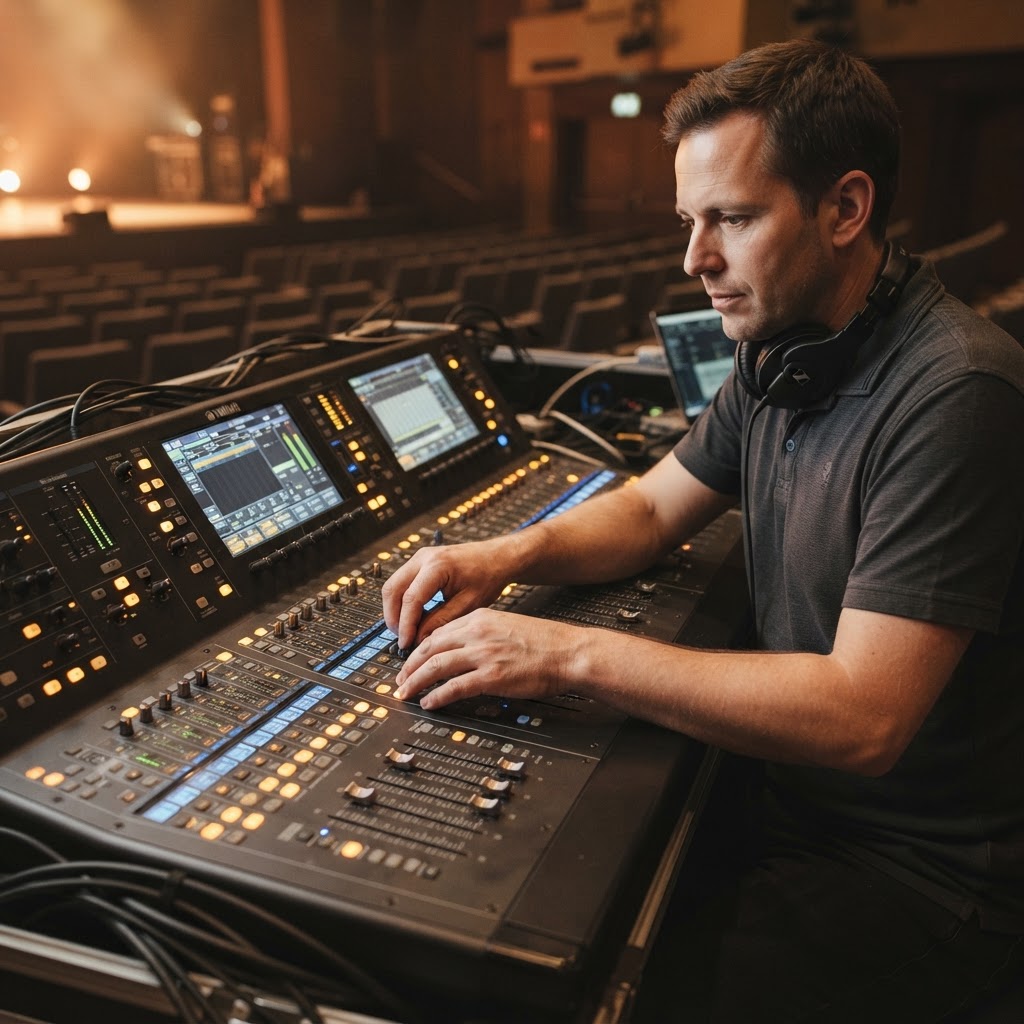
To ensure your speaker delivers their message without interruption, standardize your technical intake process. Every professional speaker should provide a 'Tech Rider'—a document detailing their hardware and software needs. At a minimum, clarify these three areas: display format (16:9 vs 4:3), audio output (XLR vs 3.5mm), and presentation control (remote clicker preferences).
Key hardware considerations include:
- Microphone Preference: Always ask if they prefer a headset, lavalier, or a handheld mic.
- Video Output: Ensure your projectors or LED walls are calibrated to their specific resolution.
- Connectivity: Does the speaker need hardwired internet, or will they be relying on cloud-based visuals that require high-speed Wi-Fi?
Managing Remote and Hybrid Components
In the era of hybrid events, technical requirements have expanded to include streaming latency and camera angles. If your speaker is presenting to both a live audience and a remote crowd, they require an on-stage monitor to see the digital chat or video feed. Don't overlook the importance of 'stage presence' for the remote audience; this often requires specific lighting setups that prevent the speaker from looking 'washed out' on camera.
How to Communicate Requirements Early
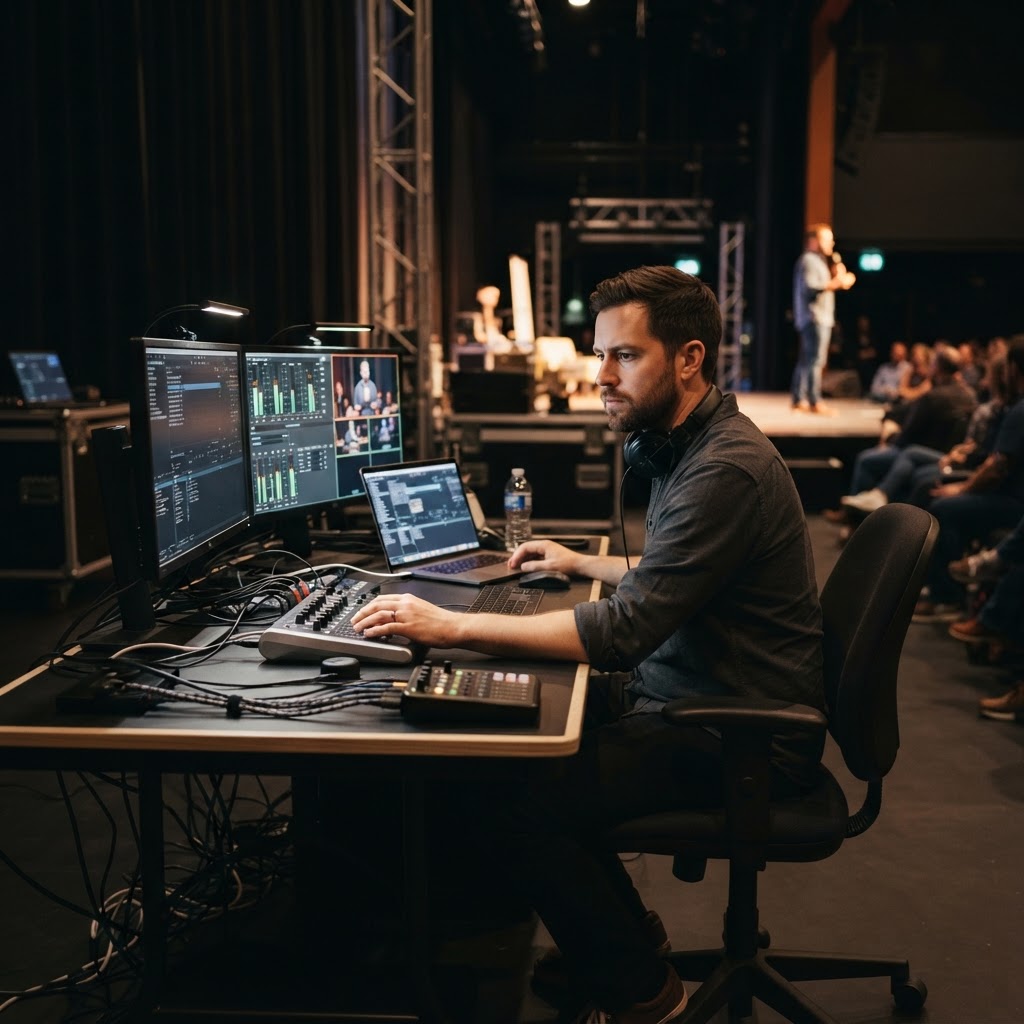
Do not leave technical coordination to the morning of the event. Send an intake form through SalemSpeakers.com once the contract is signed. This form should ask for their specific computer platform (Mac or PC), required fonts, and any special audio files embedded in their slides. By formalizing this, you demonstrate professionalism and reduce the pre-show anxiety for both the speaker and your production crew. Ready to find a speaker who is as easy to work with as they are engaging? Explore our roster of professional speakers today and get ready to elevate your next event.
Conclusion
Technology should support the message, not distract from it. By prioritizing these speaker tech requirements, you create an environment where the speaker can focus on their audience while you focus on the overall experience. Use these tips to build a robust pre-event workflow and ensure every presentation is technically sound.
Frequently Asked Questions
What is a speaker tech rider?
A speaker tech rider is a document provided by a speaker that outlines their specific technical needs, including audiovisual equipment, internet requirements, and stage setup preferences.
Why is it important to confirm audio requirements early?
Confirming audio requirements early ensures that your sound technician can source the correct microphone types and connection interfaces, preventing last-minute compatibility issues.
Should I provide a stage monitor for speakers?
Yes, providing a confidence monitor is highly recommended for speakers using slides, as it allows them to see their presentation without turning their back on the audience.
How do I handle speaker presentation files?
You should request presentation files at least 48 hours before the event to test them on your specific system, check embedded media, and ensure font compatibility.
Ready to take your speaking career to the next level? Join SalemSpeakers and connect with event planners looking for speakers like you.
Join SalemSpeakers TodayRelated Articles

Speaker Vetting Checklist: How to Choose the Perfect Keynote
Ensure your next event is a success with this essential speaker vetting checklist designed for busy conference organizers.

Budgeting for Your Event's Speaker Lineup: A Planner's Guide
Struggling to balance your event budget with top-tier talent? Learn how to strategically allocate funds for the perfect speaker lineup for your next event.

Meet Binyamin Rothstein: Healing Men, Building Fathers
Dr. Binyamin Rothstein turns personal adversity into powerful lessons on fatherhood, healing, and raising the next generation of confident men.
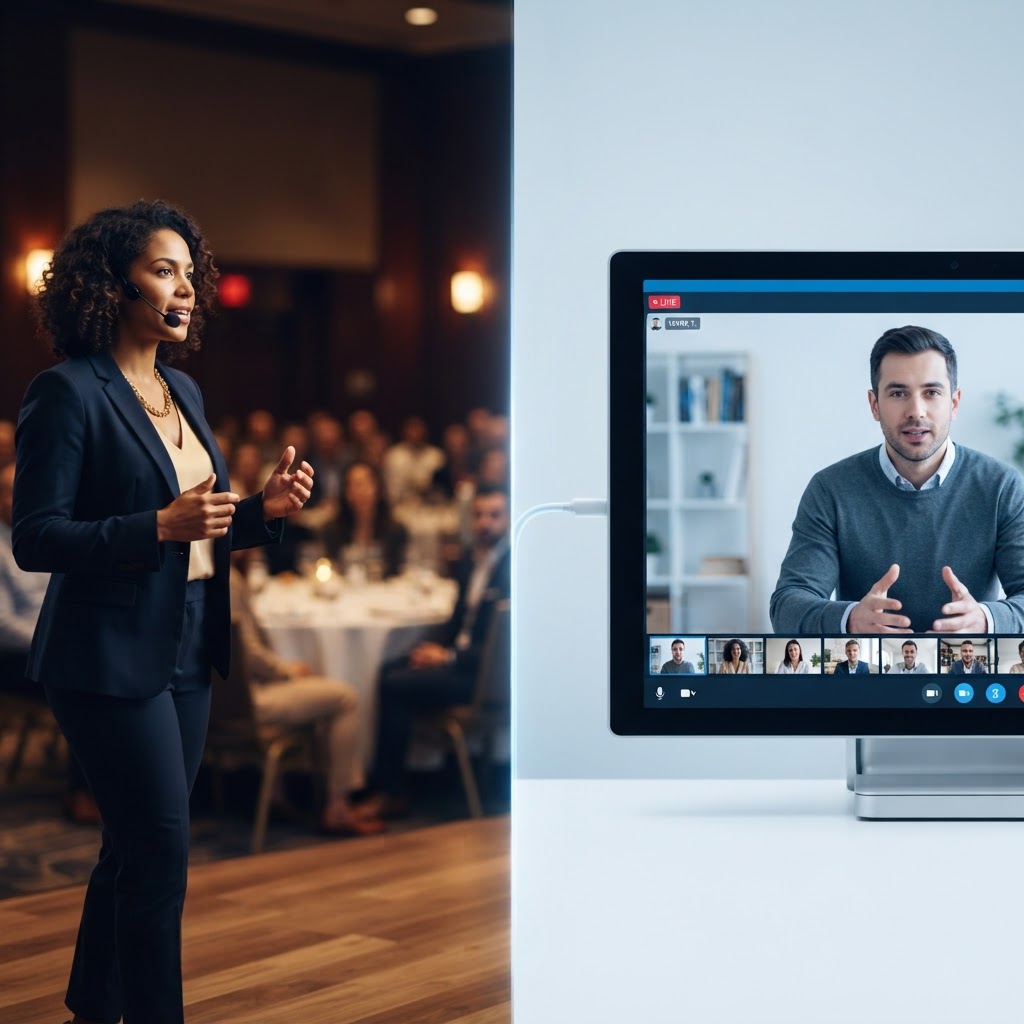
Virtual vs. In-Person Speakers: Choosing the Right Format
Struggling to choose between virtual and in-person speakers? Learn how to evaluate your event goals, budget, and attendee experience to make the right choice.